
If the worst happens, you open the same day.
A backup that’s never been restored is a hope, not a plan. Phoenix IT builds recovery for healthcare practices: immutable copies in three places, restores tested and verified, and a rehearsed plan for the morning everything goes wrong.

Backups fail quietly. Recoveries fail loudly.
The worst time to learn your backup didn’t work is the morning you need it. The most common disaster we see isn’t fire or flood — it’s a dead server drive, a ransomware hit, or a deleted database, followed by the discovery that the “backup” was a USB drive from March.
Your “backup” is a hard drive somebody takes home.
Overnight, encrypted, off-site backups — automatic, monitored, and verified daily. No human ritual required.
Nobody has ever actually restored from the backup.
We run scheduled restore tests and document the results. Recovery is proven, not presumed.
Ransomware encrypted the server — and the backup drive plugged into it.
Immutable copies that malware can’t alter, isolated from your production credentials. Ransomware can’t touch what it can’t reach.
Recoverability, engineered.
- Server & database backup, multiple recovery points daily
- Workstation backup where data lives locally
- Cloud & Microsoft 365 backup
- Immutable, locked-down storage
- Off-site copies — separate site, separate credentials
- Encryption in transit & at rest
- Automated backup verification every night
- Scheduled restore testing, documented
- Alerts we act on before you notice
- RPO & RTO defined per system
- Priority order: schedule, images, billing first
- Loaner & rebuild logistics handled
- Written disaster recovery plan
- Backup internet & phone failover options
- Annual recovery drill
- Clean-point identification & isolation
- Restoration without paying
- Post-incident hardening & report
What recovery looks like in practice.
Failure detected
Monitoring catches the dead drive, failed RAID, or encryption event — usually before your staff does.
Recovery starts
We identify the last clean recovery point and begin restoring — schedule and clinical systems first.
Patients seen
Most practices are operating again the same day. A stolen laptop is wiped remotely and its contents restored to a new machine.
Root cause & rebuild
Failed hardware replaced, causes documented, and the recovery plan updated with what we learned.
A surgeon’s laptop was in a backpack stolen out of his clinic’s parking lot. Phoenix wiped it remotely and restored everything to a new laptop the same day — like nothing ever happened.
Because the device was encrypted, managed, and backed up, a stolen laptop stayed a hardware loss instead of becoming a reportable breach. No data loss, no downtime.
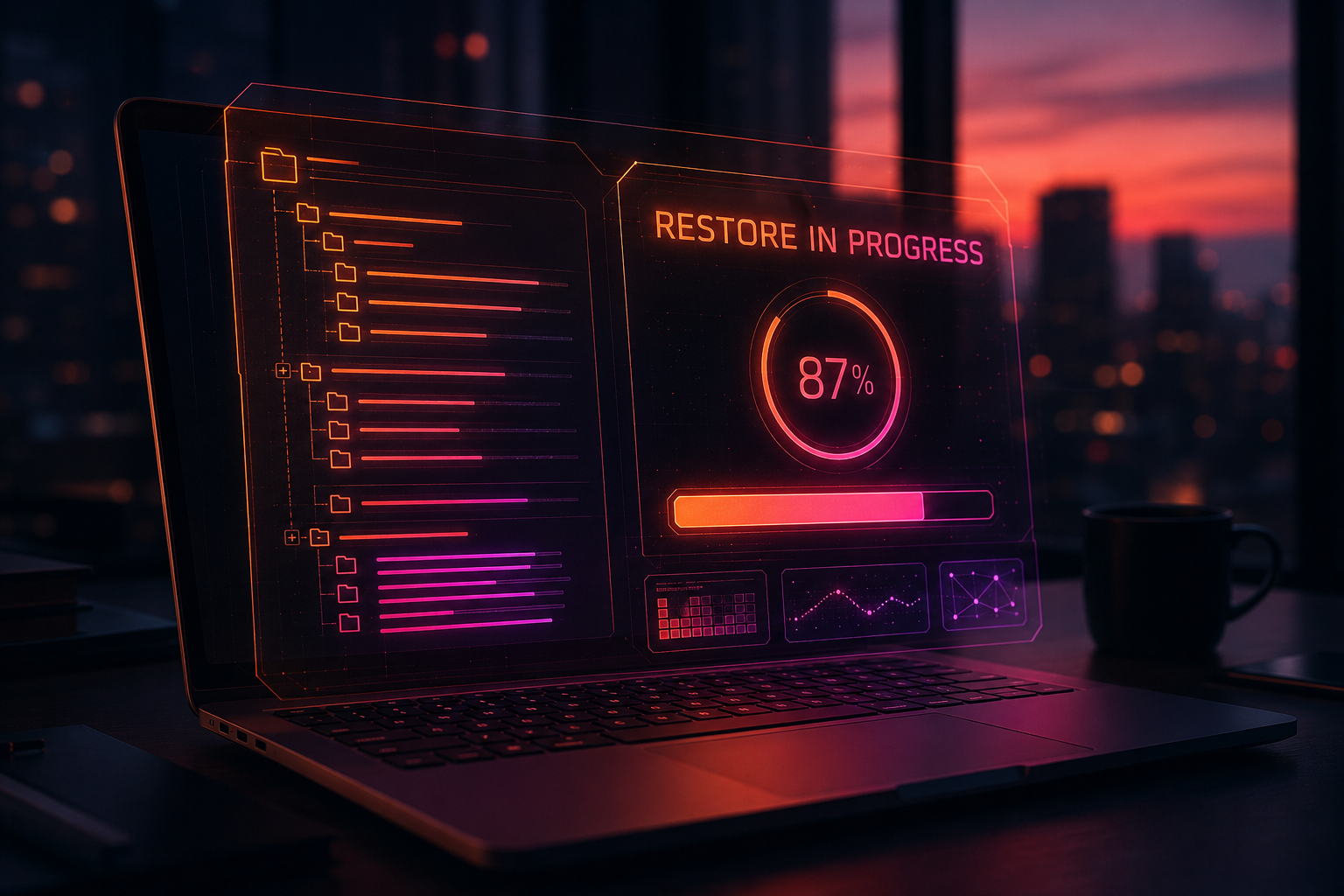
Backup questions worth asking any provider.
What’s the difference between backup and disaster recovery?
Backup is the copy; disaster recovery is the plan and infrastructure to get the practice running from that copy. Plenty of practices have backups and still lose a week — because nobody ever tested a restore or planned where systems would run.
What are RPO and RTO, in plain terms?
RPO (recovery point objective) is how much recent work you can afford to lose — hours of entries, images, and payments. RTO (recovery time objective) is how long until you’re seeing patients again. We set both with you, then build backups to hit them.
Can ransomware encrypt our backups too?
It tries — modern ransomware hunts backups first. That’s why ours are immutable (locked so nothing can alter them), stored off-site, and separated from your normal credentials. Three copies, three places.
How do we know the backups actually work?
We verify them daily and run restore tests — and proof lands in your inbox, not in a promise. If a backup fails overnight, we’re fixing it in the morning, not discovering it during a disaster.
What happens the morning a server dies?
We start recovery immediately — most practices are working again the same day, often within hours. The schedule, images, and billing come back in priority order so patient care resumes first.
Do you back up workstations, or just the server?
Servers always; workstations where it matters — imaging capture stations, front-desk machines with local data, and anywhere else a loss would hurt. We map that during onboarding so nothing important lives only on one hard drive.
When did someone last test your restore?
If the answer is “not sure,” that’s the assessment finding that matters most. Get a plain-language review of your backup and recovery posture — free.
Backup & recovery guides, in plain language.
The Dental Backup Checklist
Ten checks that separate a real recovery plan from a USB drive of false confidence — with the questions to ask your current provider.
Read the guide →The First-Hour Ransomware Response Guide
A printable, minute-by-minute plan for the hour after you see the note — who to call, what to unplug, and what not to touch.
Read the guide →What One Hour of Dental Downtime Costs
Production, payroll, and rebooking math for a typical practice — and why the cheapest IT contract is rarely the cheapest IT.
Read the guide →Related services
From the resource library
Next step
See where your practice stands in ten minutes — no scanning, no obligation.
Take the cybersecurity assessmentTalk with a healthcare IT specialist